Defender of the Crown The Legend Returns Controls for every mode
Keyboard, gamepad, and Deck notes for jousts, raids, and the action wheel.
Steam lists Defender of the Crown: The Legend Returns with full controller support. That line is doing more work than usual. Retro Mode exists as a rebuild partly because a pad had to work on a 1986 campaign that never heard of one. Classic Mode’s quality-of-life pitch is a HUD and an action wheel instead of waiting through a list. Kingdom Mode is a cursor-and-confirm card game that happens to wear armour. This page is the hands chapter. It will not invent a button table the developers have not printed as a public cheat sheet.
PC keyboard and mouse
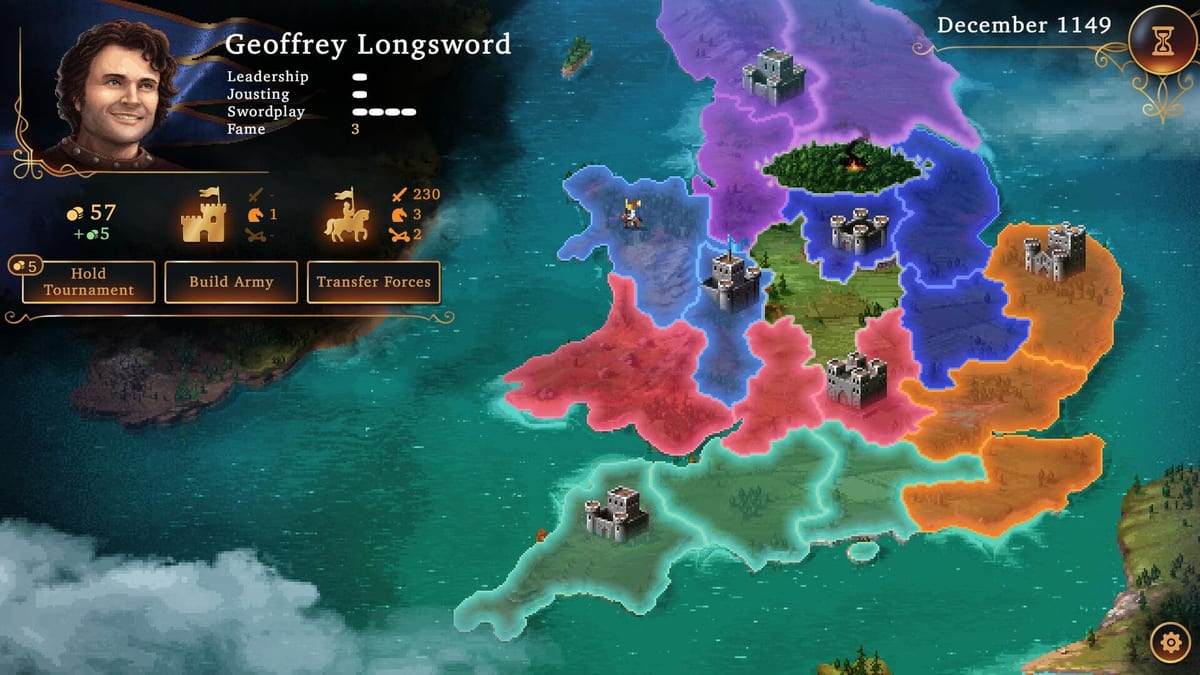
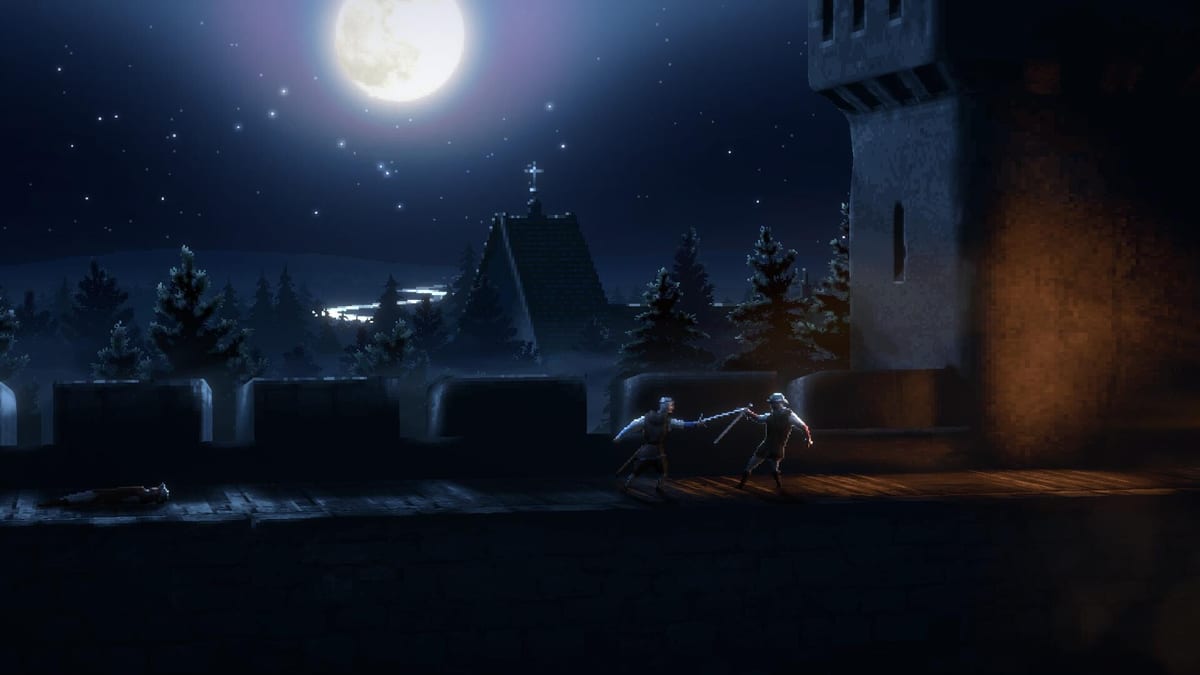
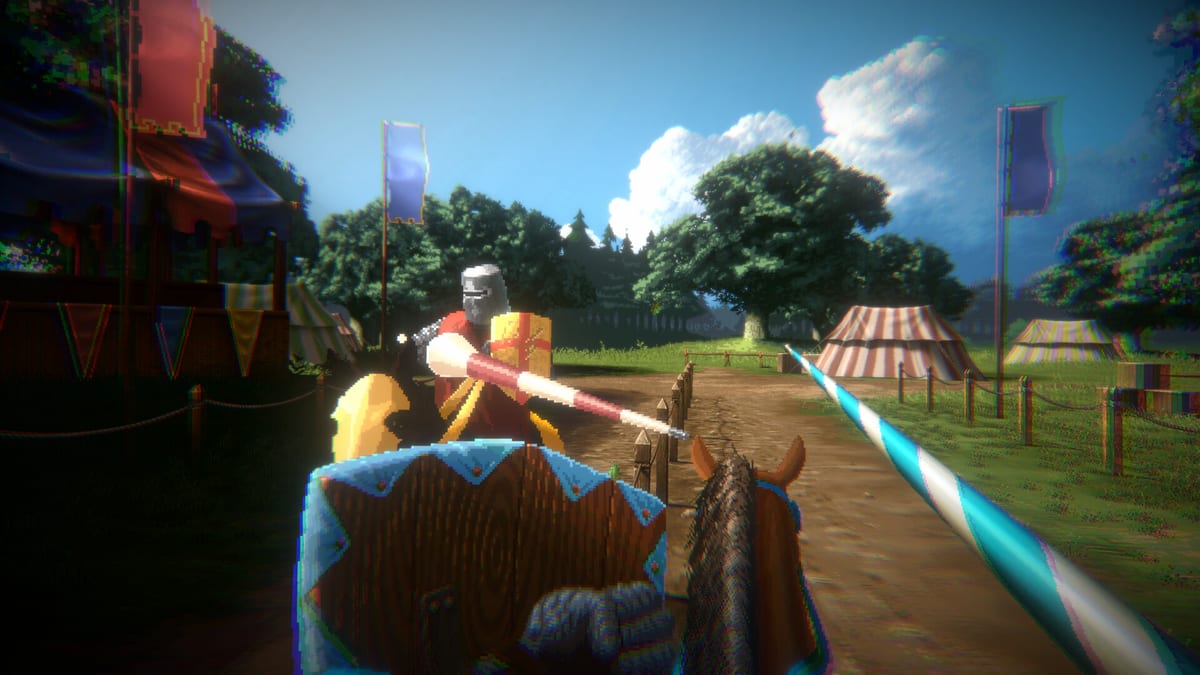
On Windows, the strategic map is a point-and-click board. You highlight a territory, you press a verb — Hold Tournament, Build Army, Transfer Forces, raid, assault — and the month moves. Minigames then steal the device. Classic’s first-person joust wants analog-style aiming even when a mouse is doing the job: the lance is a line you put on a helmet, not a click on a horse. Raids in Classic want directional attacks and a block you can hold. If you bind look and strike to the same comfort keys you use in a shooter, you will clip a horse and swear the minigame is random. It is not. Read How to Joust after you settle the bind.
Gamepad
Use a pad if you can. The developers added controller support to Retro on purpose and they talk about the action wheel as a modern expectation. Classic duels with meters feel like a short action game; a stick and a shoulder button will always beat a laptop trackpad for a parry window. Kingdom’s card spends are still comfortable on a pad because they are menu confirms, not twitch flicks — until a joust-as-dice timing trial appears, at which point a face button mash is the whole sport.
Console versions on Switch, PS5, and Xbox Series are pad-first by definition. If a friend is playing on a television, sit them in Classic or Kingdom, not Retro, unless they asked for the museum. The mode advisor exists for that living-room argument.
Steam Deck
Official FAQ: Deck is supported at launch, Verified badge not guaranteed because Valve owns that process. Launch reviews say it runs, text stays readable, and battery on an older LCD Deck is the tax — around three hours in one test. Bind the stick so joust aim is not a gyro experiment unless you like gyro. Keep a charger near the siege you actually care about.
Mode-specific gotchas
Retro will not draw the meters Classic uses. A pad helps navigation; it will not add a health bar the rebuild refused to add. Classic’s screen shake annoyed reviewers; look for a camera option before you blame the stick. Kingdom’s dice-pool editing can dump you back to the map — that is UI friction, not a missed bind. Fast-forward on an already-won clash does not exist, so a pad will not skip the animation for you.
If a control still feels wrong after a rebind, change the sport. A floaty lance is sometimes a lord with jousting 2. A dropped raid is sometimes Cedric. The Lords Hub is allowed to be the real fix. Then come back and put the stick on Wilfred, where lessons are cheaper.
Accessibility notes from reviews: some shake cannot be turned off in Classic. There is no voice acting to miss. Subtitles exist as interface language support across the ten official store languages. This wiki ships English, French, German, and Spanish. The game itself may offer more in the options menu — including languages this site does not cover.
For specs, see system requirements. For the England board those thumbs are pushing, see the map.
Frequently Asked Questions
Quick answers drawn from official notes and launch play.
Does the game support controllers?
Yes. Steam lists full controller support, and Retro was rebuilt so a pad could work.
Should I play Retro with a keyboard?
You can. A gamepad is closer to the intent of the 2026 rebuild, especially in menus and minigames.
Is Steam Deck playable?
Supported at launch. Verified is not promised. Expect modest battery life on older Deck hardware.
Why does jousting feel floaty?
Aim the lance at the rider, and check your bind. Then check the lord’s jousting dots on the Lords Hub.